



Skip to content

Not sure which plan or device?

Send us a message. We reply in the same chat, before and after you order.

Ask on WhatsApp support@kemoiptvhd.com

For viewers in the US, UK and Canada

kemo iptv: Live TV, sport and films on the screens you already own.

kemo iptv streams national and international channels, plus films, series and sport on demand. Choose a plan, message us on WhatsApp, and get your login with a setup guide for your Smart TV, Fire TV Stick, Android or Apple TV.

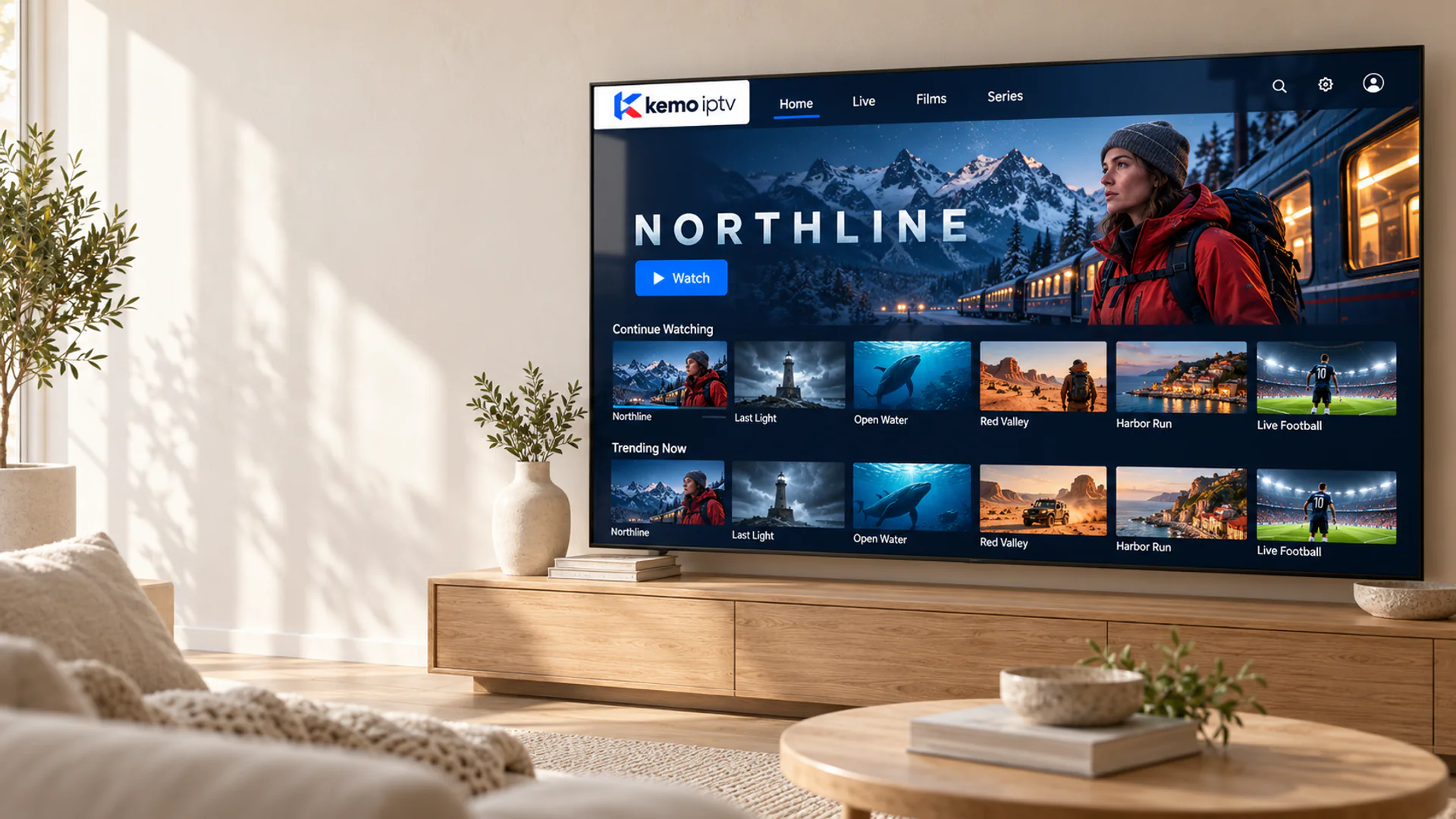
Television displaying an original kemo iptv library in a bright living room.

CH 02What's on

Live channels, sport and on-demand, in one app

Your kemo iptv subscription brings national and international channels together with a library of films, series and documentaries, all organized in a TV guide you can browse from the sofa.

How the channel guide works
  • Two fictional football players contest the ball in a floodlit stadium. Live

    Live sport

    Match days, race weekends and fight nights, listed in the TV guide.

  • An alpine investigator stands beside a night train beneath snowy mountains. On demand

    Films

    New releases and older favorites, ready when you are.

  • A maritime investigator overlooks a lighthouse and a rough sea at dusk. On demand

    Series

    Full seasons, sorted by episode, so you can pick up where you left off.

  • A humpback whale and calf swim through sunlit blue water above a school of fish. Live and on demand

    Documentaries and news

    Factual, nature and news channels from home and abroad.

Artwork shown is original and illustrative. Line-ups change over time, so if one channel matters to you, ask us about it before you order.

CH 03Plans and prices

kemo iptv plans and prices

Every plan includes the same channels, on-demand library and setup help. The only difference is how long you want to watch, and longer plans cost less per month.

Try it out

1-month plan

$17 one payment

The simplest way to try kemo iptv on your own screen. Upgrade to a longer plan whenever you like.

Testing kemo iptv on your own TV and connection before committing.

  • National and international live channels
  • Films, series and sport on demand
  • TV guide in supported player apps
  • Setup guide for your device
  • Help on WhatsApp and by email
Length
1 month
Per month
$17
You save
—

A full season

3-month plan

$33 one payment

Works out to $11 a month. You save $18 compared with paying monthly.

Following one sports season or catching up on a few series.

  • National and international live channels
  • Films, series and sport on demand
  • TV guide in supported player apps
  • Setup guide for your device
  • Help on WhatsApp and by email
Length
3 months
Per month
$11
You save
35%

Half a year

6-month plan

$44 one payment

Works out to $7.33 a month. You save $58 compared with paying monthly.

Settled viewers who want a lower monthly cost without a full year.

  • National and international live channels
  • Films, series and sport on demand
  • TV guide in supported player apps
  • Setup guide for your device
  • Help on WhatsApp and by email
Length
6 months
Per month
$7.33
You save
57%

Lowest monthly cost

12-month plan

$65 one payment

Works out to $5.42 a month. You save $139 compared with paying monthly.

Households replacing a cable or satellite package for good.

  • National and international live channels
  • Films, series and sport on demand
  • TV guide in supported player apps
  • Setup guide for your device
  • Help on WhatsApp and by email
Length
12 months
Per month
$5.42
You save
68%

Prices in USD, paid once for the period you choose. You confirm the plan and payment method in the chat before paying. Read the refund policy

CH 04How ordering works

From first message to first channel

There is no checkout maze and no box to install. Ordering happens in one WhatsApp conversation, and the same chat stays open for help later.

  1. Step 1

    Message us

    Tell us the plan you want and the device you watch on. Not sure which plan suits you? Ask, and we will suggest one.

  2. Step 2

    Confirm and pay

    We confirm the price and send the payment options in the same chat. Nothing is charged until you agree.

  3. Step 3

    Get your login

    Your login details and the setup guide for your device arrive by WhatsApp or email once payment is confirmed.

  4. Step 4

    Watch, with help on hand

    If something does not look right, message the same number. We will walk you through it step by step.

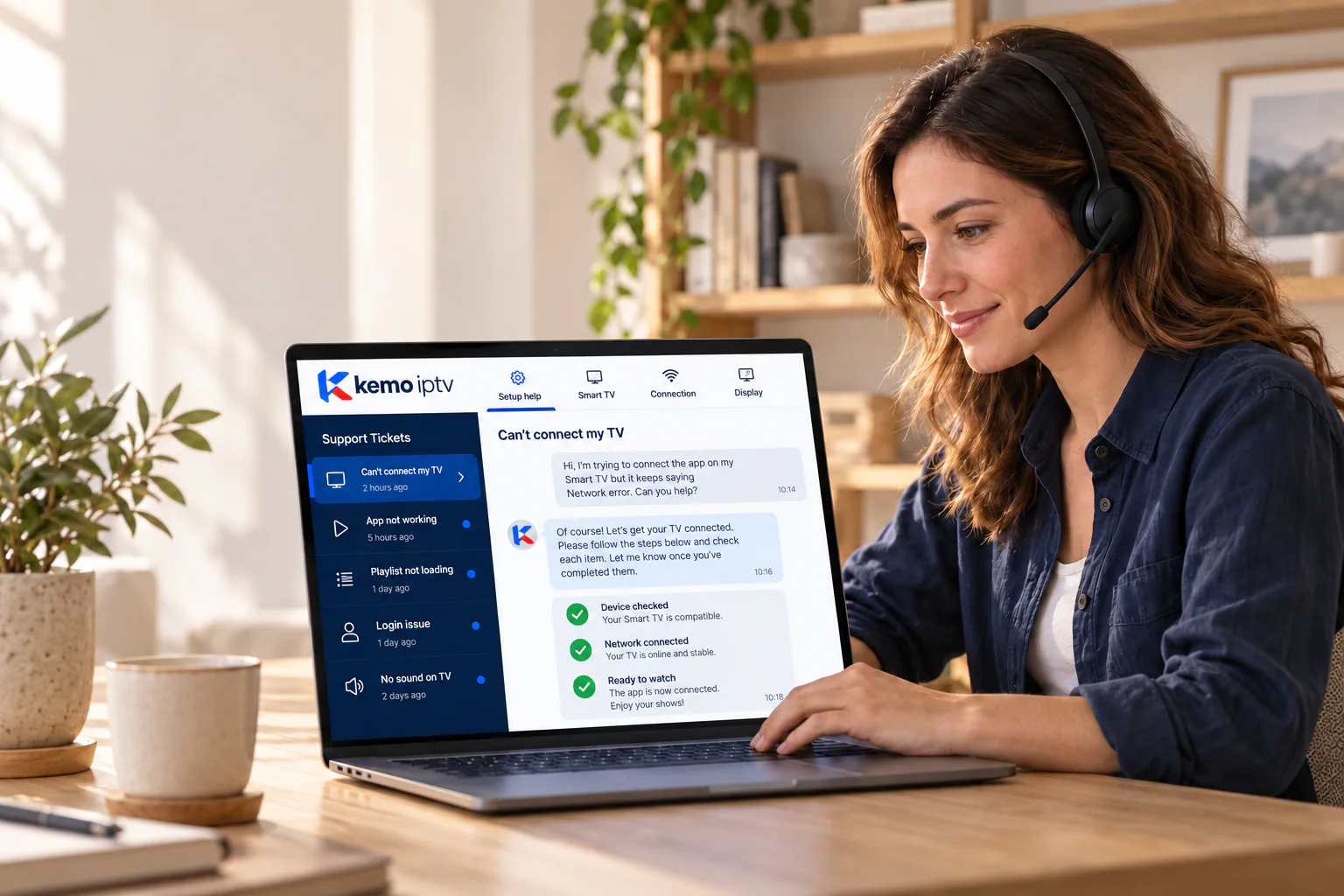
A support adviser with a headset reviews a TV setup conversation on a laptop.
Setup help happens in the same chat you ordered from.

CH 05Devices

Works with the screens already in your home

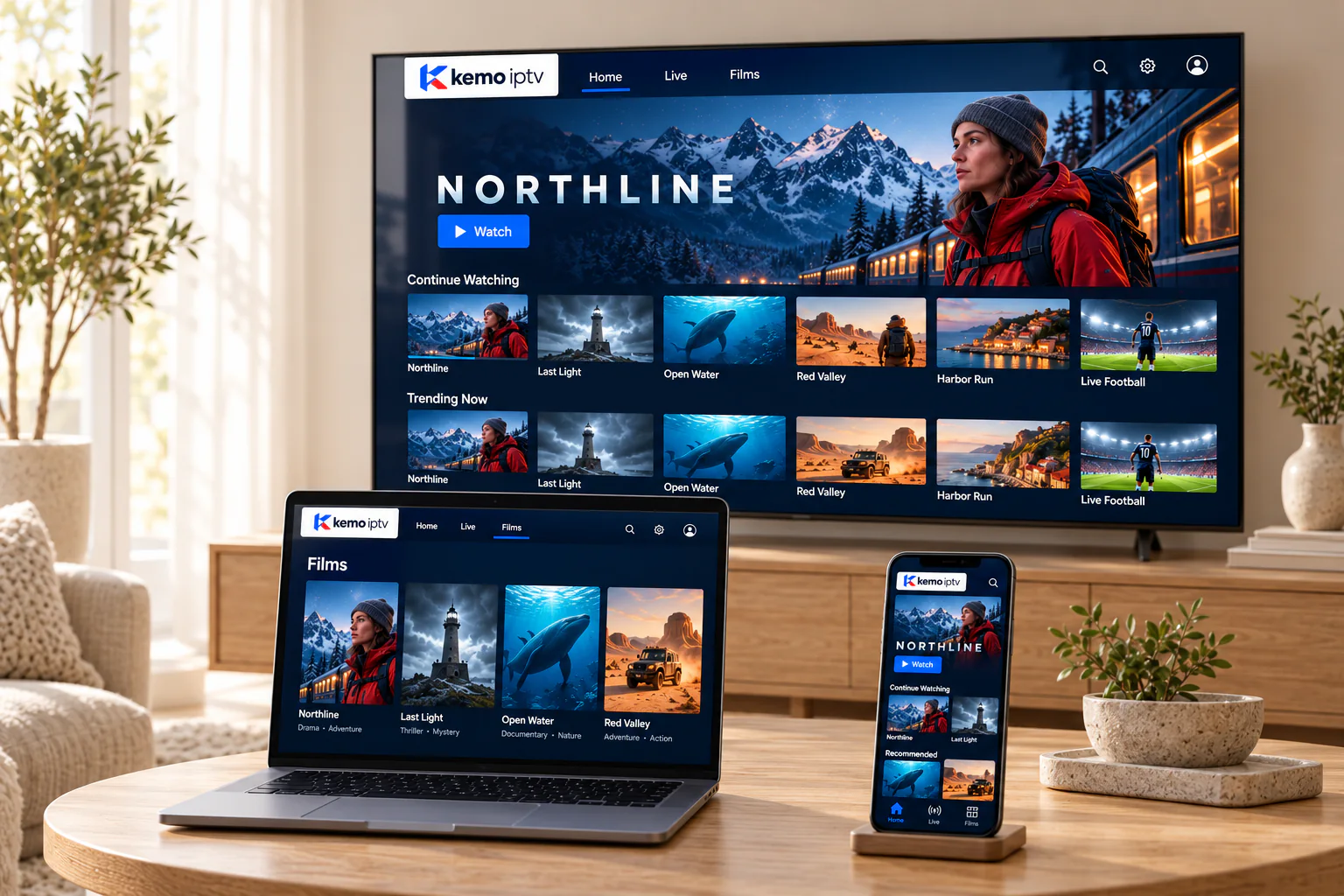
kemo iptv plays inside a player app, so there is no new box, dish or installer visit. If your device can install a compatible IPTV player, you can usually watch on it.

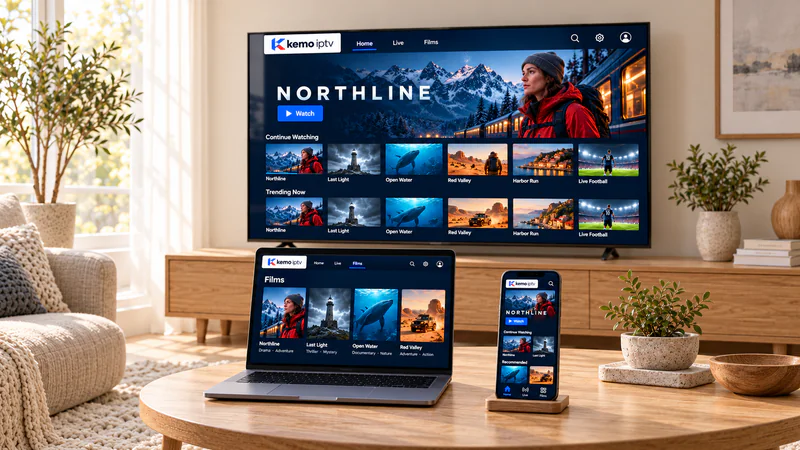
kemo iptv on a television, a laptop and a phone at home, each showing the same fictional library.

See the full list of compatible devices

Brand names describe compatibility only. kemo iptv is not affiliated with these manufacturers, and app availability can vary by model and region.

CH 06Setup

Set up in four steps

You do not need to be technical. Each step is explained in the guide we send for your device, and we stay on the chat while you do it.

Read the kemo iptv installation guide
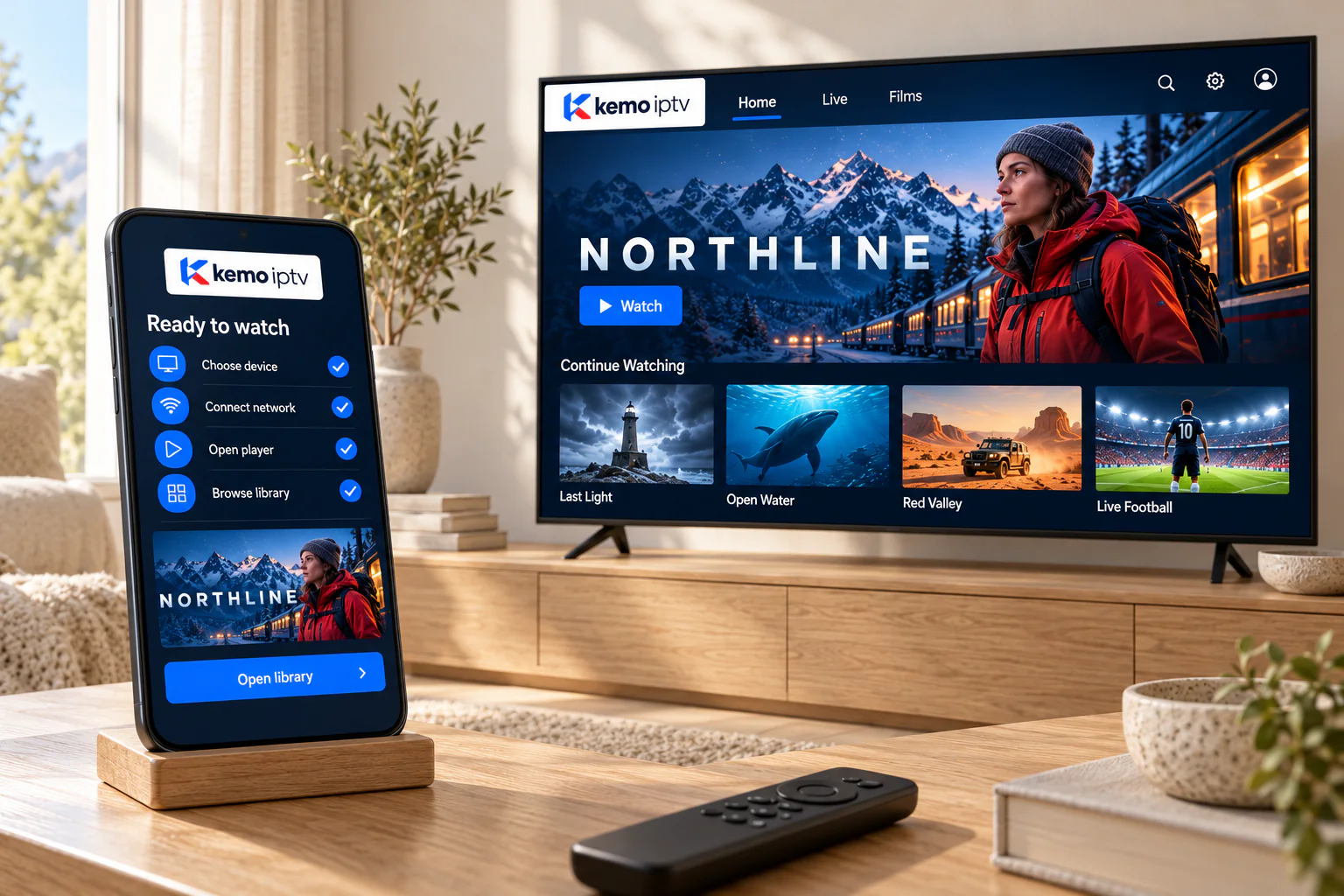
A phone showing a completed setup checklist next to a television ready to watch.
  1. Install a player app

    Get a compatible IPTV player from your device's app store. We tell you which ones work well on your model.

  2. Add your login

    Enter the username, password and server address we send you, or paste the playlist link, exactly as written.

  3. Load channels and the guide

    The first load can take a minute or two while the channel list and TV guide download. Later loads are quicker.

  4. Pick your favorites

    Add the channels you watch most to favorites so they are one click from the home screen.

CH 07Good to know

What you need before you subscribe

IPTV is only as smooth as the connection and device it runs on. Five minutes with this list saves most of the problems people message us about.

  • A steady internet speed

    We suggest at least 15 Mbps for one HD stream and 25 Mbps or more for 4K. Test at the time you usually watch, not mid-morning when networks are quiet.

  • A cable or a strong Wi-Fi signal

    An Ethernet cable, or 5 GHz Wi-Fi in the same room as the router, prevents most buffering before it starts.

  • A device that runs a player app

    A Smart TV, streaming stick, Android box, Apple TV, phone or computer. Older TVs can use a low-cost streaming stick.

  • Room in your data allowance

    HD streaming uses roughly 3 GB an hour. Some internet plans in the US and Canada have monthly caps, so check yours first.

  • A TV Licence if you are in the UK

    UK law requires a TV Licence to watch or record live TV as it is broadcast, on any device and any service.

  • Realistic expectations about line-ups

    Channels and on-demand titles change from time to time. If one channel is the reason you are subscribing, ask us before you pay.

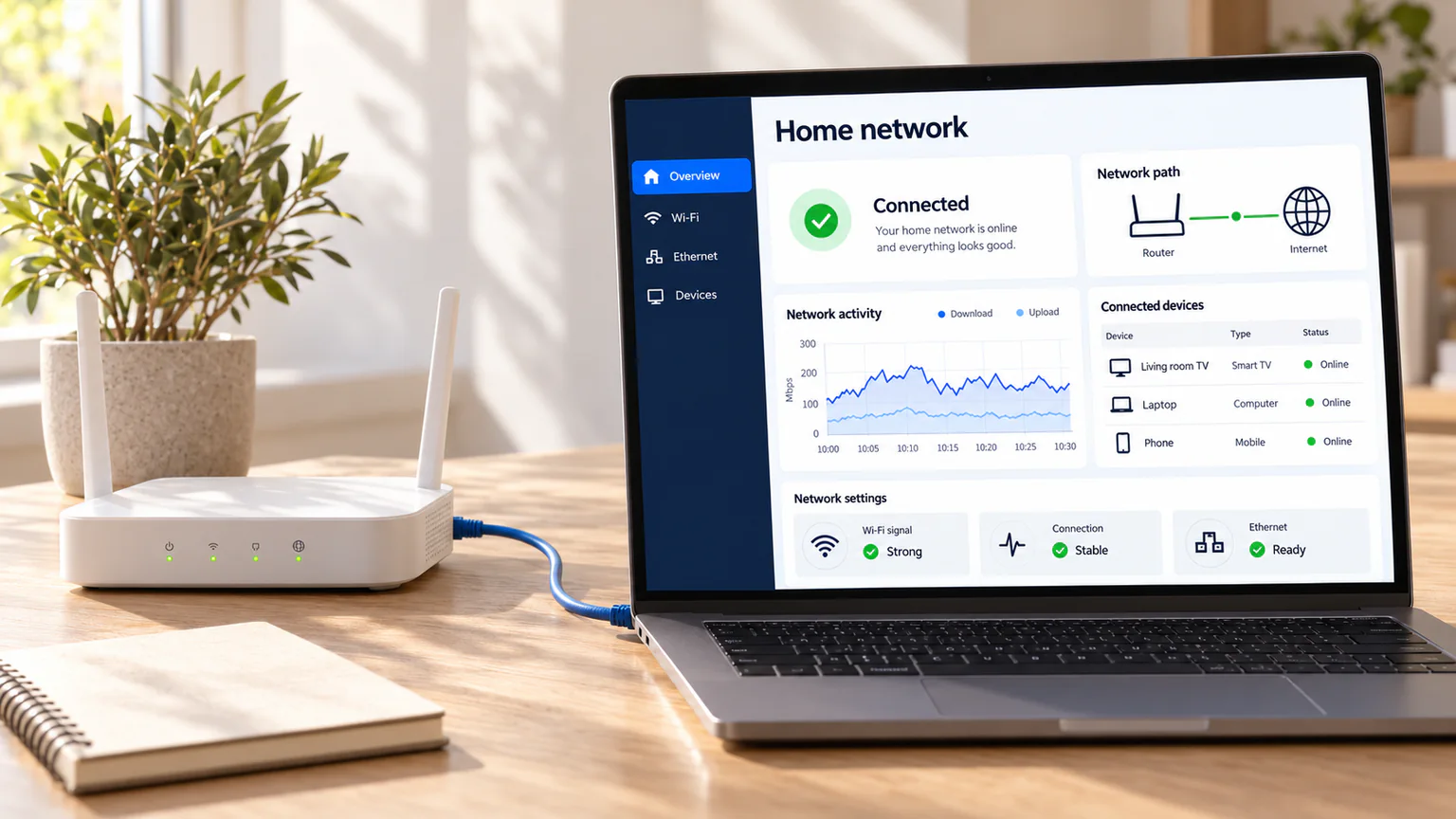
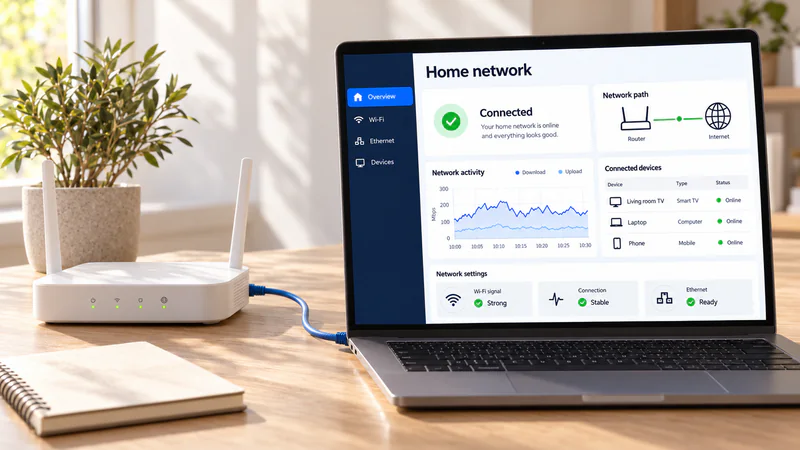
A home router connected by Ethernet cable to a laptop showing a network dashboard.

CH 08Quick fixes

If something isn't working

Four problems cover most of the messages we receive. Here is what to try first, before you even need to contact us.

More fixes on the support page
  • If this happens

    The picture keeps buffering

    Try this first

    Restart the router and the device, switch to a cable or 5 GHz Wi-Fi, and pause other downloads. Still happening? Send us a short video of it.

  • If this happens

    The app says the login failed

    Try this first

    Check for extra spaces, and for letters that look alike, such as a capital I and a lowercase l. Make sure the server address is complete, including http:// and the port number.

  • If this happens

    The TV guide is empty

    Try this first

    Refresh the EPG in your player's settings and give it a few minutes. On the first load, guide data often arrives after the channels.

  • If this happens

    A channel stopped working

    Try this first

    Reload the playlist, because line-ups are updated from time to time. If the channel is still missing, message us its name and we will check.

CH 09Guides

Setup guides and plain-English explainers

Written for real living rooms: which device to use, how to set it up and how to keep the picture smooth.

All articles

CH 10Questions

Questions people ask us on WhatsApp

Short, straight answers to what we hear most often. The full list lives on the FAQ page.

Question not here?

Message us on WhatsApp and we will answer in the same chat.

Ask on WhatsApp

Several unrelated websites use the Kemo name. This site, kemoiptvhd.com, sells only the plans shown here, and our team answers only from WhatsApp +212 781 768 546 and [email protected]. If someone contacts you from another number or address claiming to be us, check with us before paying.

Plans cost $17 for 1 month, $33 for 3 months, $44 for 6 months and $65 for 12 months. You pay once for the period you choose, and every plan includes the same channels and library.

Yes. Ask for a free trial on WhatsApp and we will confirm the trial length in the chat. If you would rather start paid, the 1-month plan is a low-commitment way in.

Samsung and LG Smart TVs, Android TV and Google TV, Fire TV Stick, Apple TV, iPhone, iPad, Android phones and tablets, and Windows or Mac computers. In short, anything that can run a compatible IPTV player app.

We send them as soon as your payment is confirmed, in the same WhatsApp chat or by email, together with the setup steps for your device.

We suggest at least 15 Mbps for a single HD stream and 25 Mbps or more for 4K. A wired connection, or 5 GHz Wi-Fi close to the router, makes the biggest difference.

Tell us before you order how many screens you want to use at the same time. We will confirm what your plan covers and the price of any extra connections, so there are no surprises.

Message us first, because most setup problems take a few minutes to fix. If we cannot get it working, our refund policy explains what happens next.

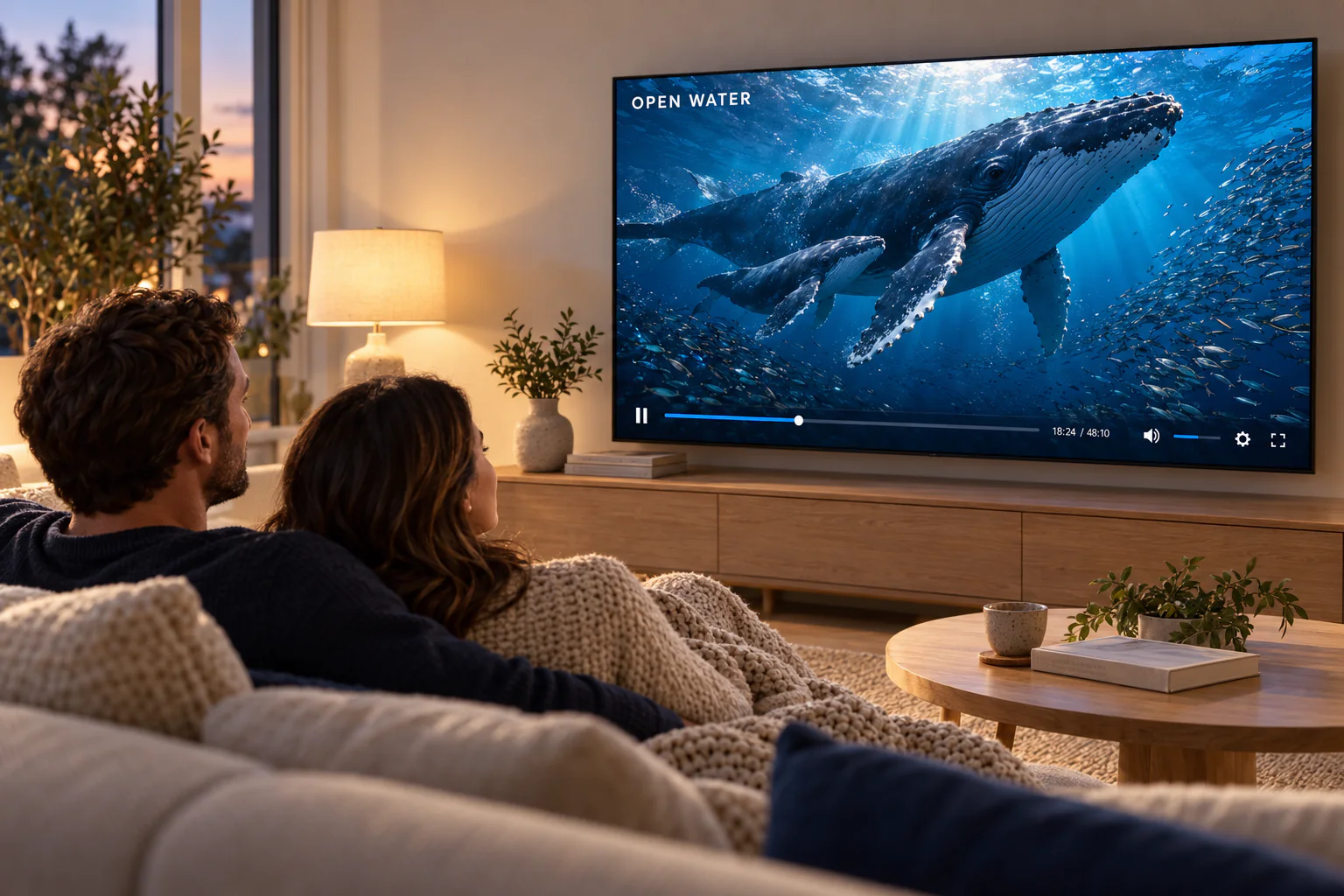
Two people relaxing on a sofa watching an ocean documentary on a large TV.

CH 11Ready when you are

Your next night in starts with one message

Tell us your device and the plan you would like. We take it from there, and we stay on the same chat if you need a hand later.

Prefer email? Write to support@kemoiptvhd.com

Chat on WhatsApp